Vellum & Ink
Vellum & Ink Planner V1
Vellum & Ink Planner V1
픽업 사용 가능 여부를 로드할 수 없습니다.
It's Sunday night. You have four readings, one problem set, and a vague sense of dread.
This is the planner for that. Dark, quiet, and built for the week you're about to have — not for a mood board.
Twelve undated months, a page for every day, and the templates you actually need in term time: an exam countdown, Cornell notes, and one page that holds every deadline you're carrying.
What's inside — 388 pages, all linked
- Monthly — 12 undated month spreads, Monday start. A 1–31 date strip across the top: tap any day to jump straight to it. This Month's Focus · Deadlines & Exams · Notes.
- Daily — 372 daily pages (31 for every month). Time blocks from 7 AM to 11 PM, Top Three, Tasks, Notes. Undated, so you circle the weekday yourself.
- Study templates — Exam Countdown (30 squares, one a day, with a revision checklist), Cornell Notes, and an Assignment Tracker that puts every course and due date on one page.
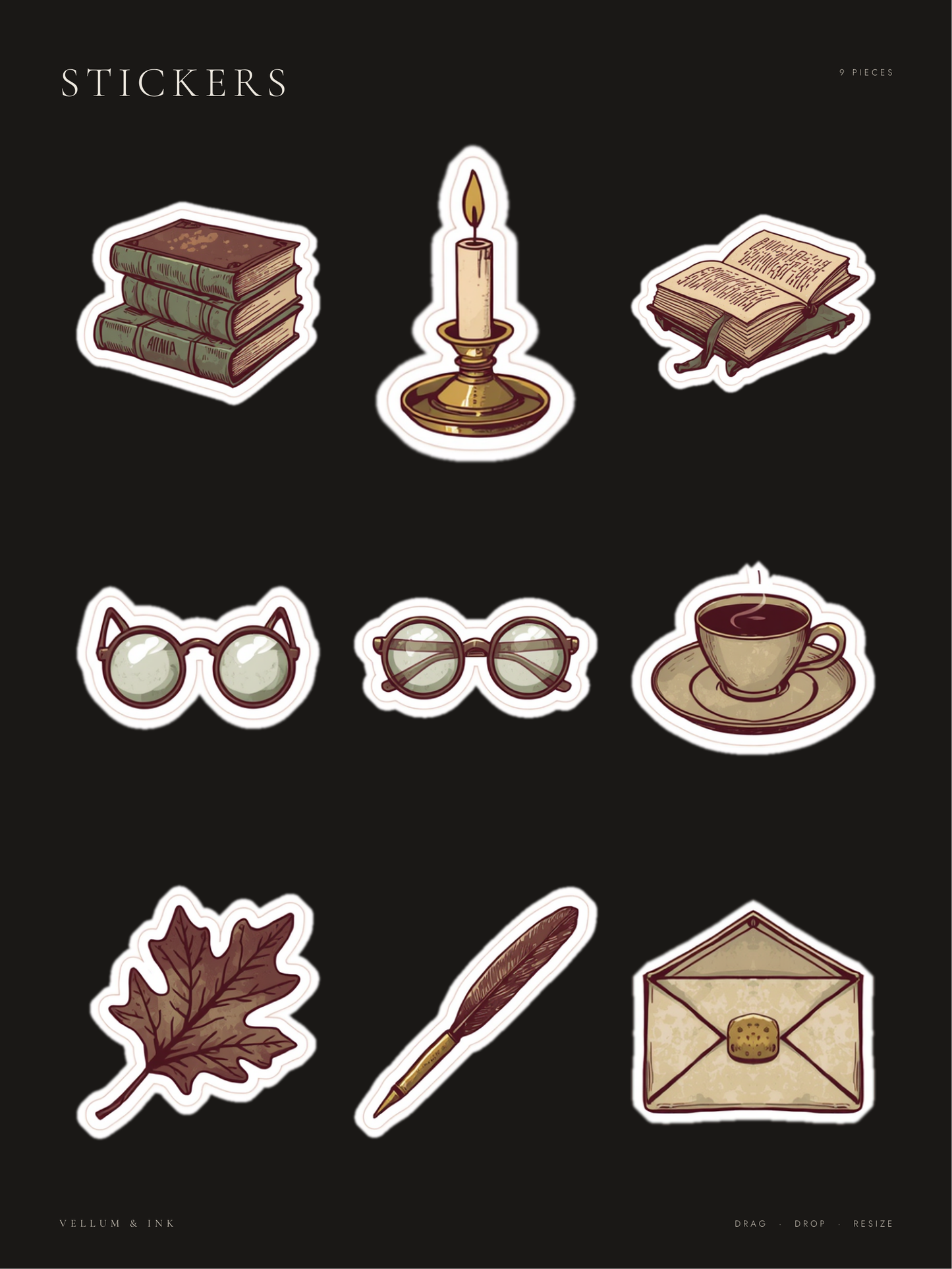
- Digital stickers — 9 hand-drawn dark academia stickers. Pre-cropped transparent PNGs at 300 DPI, plus a GoodNotes sticker book sized to match the planner.
Built for coursework, not for "productivity"
Most planners give you a budget tracker and a mood log. This one gives you an exam countdown and a Cornell note page. It was made for one person: a student with an iPad, four modules, and a Sunday night ritual.
Dark mode, done properly
Not a light planner with the colours flipped. Three colours only — ink, hairline, warm white. Nothing glows, nothing shouts. Your handwriting is the brightest thing on the page.
Every page is one tap from every other page
Month tabs run down the right edge of all 388 pages. The date strip on each month jumps straight to that day. You never scroll.
How it works
- Download the PDF and open it in GoodNotes
- Tap a month tab, then tap a date
- Write. Drag stickers in from the sticker book whenever you want
Compatibility
- Made for GoodNotes on iPad, and tested there.
- Works in any app that supports PDF hyperlinks and stylus annotation.
- A stylus is recommended — iPad + Apple Pencil is the intended setup.
- The sticker PNGs are transparent files, so they work anywhere: GoodNotes, Notability, Noteshelf, Xodo, Procreate, Canva.
What you get
- Planner PDF — 388 pages
- GoodNotes sticker book PDF
- 9 individual transparent sticker PNGs, 300 DPI
Good to know
- Instant download — no shipping, no waiting
- Undated — start any month, use it every year
- Pre-cropped stickers, 300 DPI
- Fonts embedded — looks the same on every device
- Files never expire — re-download any time
FAQ
Is it dated?
No. Undated, so you can start in March and it still makes sense. Write the numbers in yourself — that's the ritual.
Monday or Sunday start?
Monday.
Can I print it?
It's made for a screen — the dark background would use a lot of ink. The sticker PNGs print fine.
Do I need an Apple Pencil?
It works with a finger, but the time blocks are small. A stylus is a much better experience.
Can I use the stickers in other planners?
Yes. They're transparent PNGs — drop them anywhere.
Refunds?
Digital files can't be returned once downloaded. Message me if anything's wrong with the file and I'll fix it.
Share